
From Frontend to API: Building a Scalable Web App with PWA Capabilities for Modern SaaS
In today’s fast-paced digital landscape, web applications must deliver seamless user experiences while scaling effortlessly as usage grows. One effective way to achieve this is by developing a Progressive Web App (PWA) with a robust API backend. But how can developers transition efficiently from frontend to API while ensuring scalability and responsiveness? Let’s explore the details.
Estimated Reading Time: 8 minutes
- Understanding the context and challenges of web application development.
- Exploring the architectural design for scalable PWAs.
- Concrete case studies for practical understandings.
- Addressing common FAQs in PWA development.
- Highlighting essential authority references for further learning.
Context and Challenges
The shift towards web applications has been driven by a need for efficiency and accessibility. Users demand apps that not only load quickly but also function seamlessly offline and provide a mobile-first experience. PWAs meet these expectations by utilizing modern web capabilities to create an app-like experience. However, as these applications become more complex, developers face significant challenges.
Key pain points include:
- Scalability: As usage increases, the backend must support a growing number of requests without compromising performance.
- Consistency: Ensuring consistent performance across different devices and environments can be tricky.
- Offline Capability: Implementing smooth offline functionality while synchronizing data can create complexities in design and architecture.
Understanding these challenges is crucial for designing an application that effectively leverages PWA capabilities while maintaining an efficient API layer.
Solution / Approach
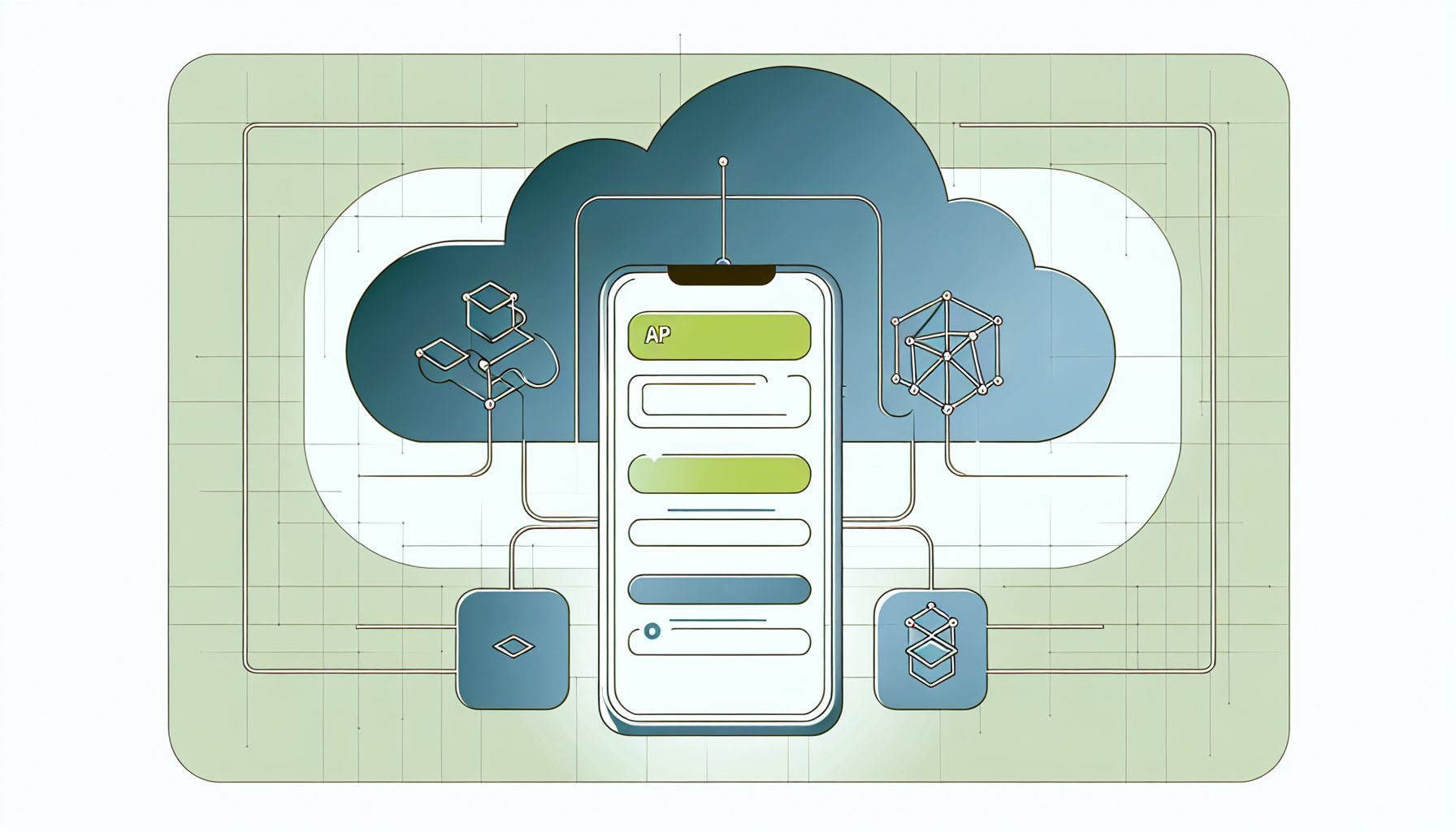
The foundation of a scalable web app integrated with PWA features lies in a well-crafted architecture involving the frontend, backend, and API. The typical structure would include:
- Frontend: Developed using popular frameworks such as React, Angular, or Vue.js, the frontend handles user interactions and displays real-time data.
- Backend: Often powered by a microservices architecture, allowing independent services to manage different functionalities (like user authentication, data storage, etc.).
- API Layer: RESTful or GraphQL APIs facilitate communication between the frontend and backend, allowing for asynchronous data fetching and updates.
When constructing your application, consider using a service like MySushiCode to help build your web application. They provide practical tools that streamline development while integrating well with both frontend and backend systems.
This architecture enables scalability since each component can be deployed and updated independently. Additionally, the PWA aspect ensures that users have a great experience regardless of their browser and device.
Concrete Example / Case Study
Let’s consider a scenario involving a fictional SaaS product aimed at project management. The goal is to develop a PWA that allows users to manage their projects, tasks, and team collaborations from any device.
- Frontend Development: Using React, we can create a streamlined user interface that dynamically fetches data from the API. Implementing service workers allows the PWA to cache essential resources and serve them offline, ensuring users can always access their project details.
- API Design: A RESTful API can manage tasks such as retrieving project data, adding comments, and updating task statuses. By organizing endpoints based on resources, the application can efficiently process requests.
- Backend Infrastructure: Using a microservices architecture, we can separate concerns. For instance, one microservice can handle user authentication while another manages project data. This separation allows each service to scale as needed without affecting others.
The implementation of such a project not only requires an understanding of various technologies but also a keen focus on user needs and how they interact with the application. Key lessons learned here include the importance of user feedback during the development process, which can lead to iterative improvements and a better overall product.
FAQ
-
What are the benefits of using a PWA for my web application?
PWAs provide fast load times, offline capabilities, and a native app-like experience, enhancing user engagement and retention.
-
How do I ensure my API can handle increased traffic?
Utilize a microservices architecture, implement caching strategies, and adopt load balancing techniques to manage increased traffic effectively.
-
What tools can help in building scalable web apps?
Frameworks like React or Vue.js for frontend development, Node.js for the backend, and cloud services like AWS or Azure for hosting can significantly streamline the process.
Authority References
Conclusion
Building a scalable web application with PWA capabilities requires thoughtful planning and execution. Understanding the architecture, leveraging effective tools, and focusing on user experience are critical to creating an application that stands out in the crowded SaaS landscape. By integrating robust APIs and adopting best practices, you’ll be well on your way to developing a web app that scales effortlessly and provides an excellent user experience.


Leave a Reply