
Architecting a Progressive Web App with React and Node: From API Design to Offline-First UX
In today’s fast-paced digital landscape, the demand for highly responsive and user-friendly web applications is soaring. Progressive Web Apps (PWAs) offer a solution, combining the best features of web and mobile apps. This article dives into the architecture of a PWA using React and Node, from effective API design to creating an offline-first user experience. Together, we’ll explore how to build a robust application that meets user expectations and provides seamless functionality, even without an internet connection.
Estimated Reading Time: 8 minutes
- Understanding the definition and benefits of PWAs
- Challenges in architecting PWAs with React and Node
- API design considerations for seamless frontend and backend interactions
- Implementation of offline-first functionality via service workers
- Concrete case study of a food ordering PWA application
- Key FAQs addressing common developer concerns
Context and Challenges
A Progressive Web App is a type of web application that takes advantage of modern web capabilities to deliver a native app-like experience. This means leveraging features such as service workers, web manifests, and caching to enable the app to function offline, send push notifications, and load quickly, even on slower connections. For more information on what defines a PWA, check the official guide.
However, there are challenges in architecting a PWA. Developers often face constraints such as:
- Ensuring compatibility across various devices
- Optimizing performance
- Managing complex interactions between the frontend and backend
- Prioritizing fast loading times and user engagement
As users expect fast, reliable experiences, it’s crucial to address these challenges throughout the development process. For a deeper understanding of performance optimization in web applications, consider reading this guide on Web App Optimization.
Solution / Approach
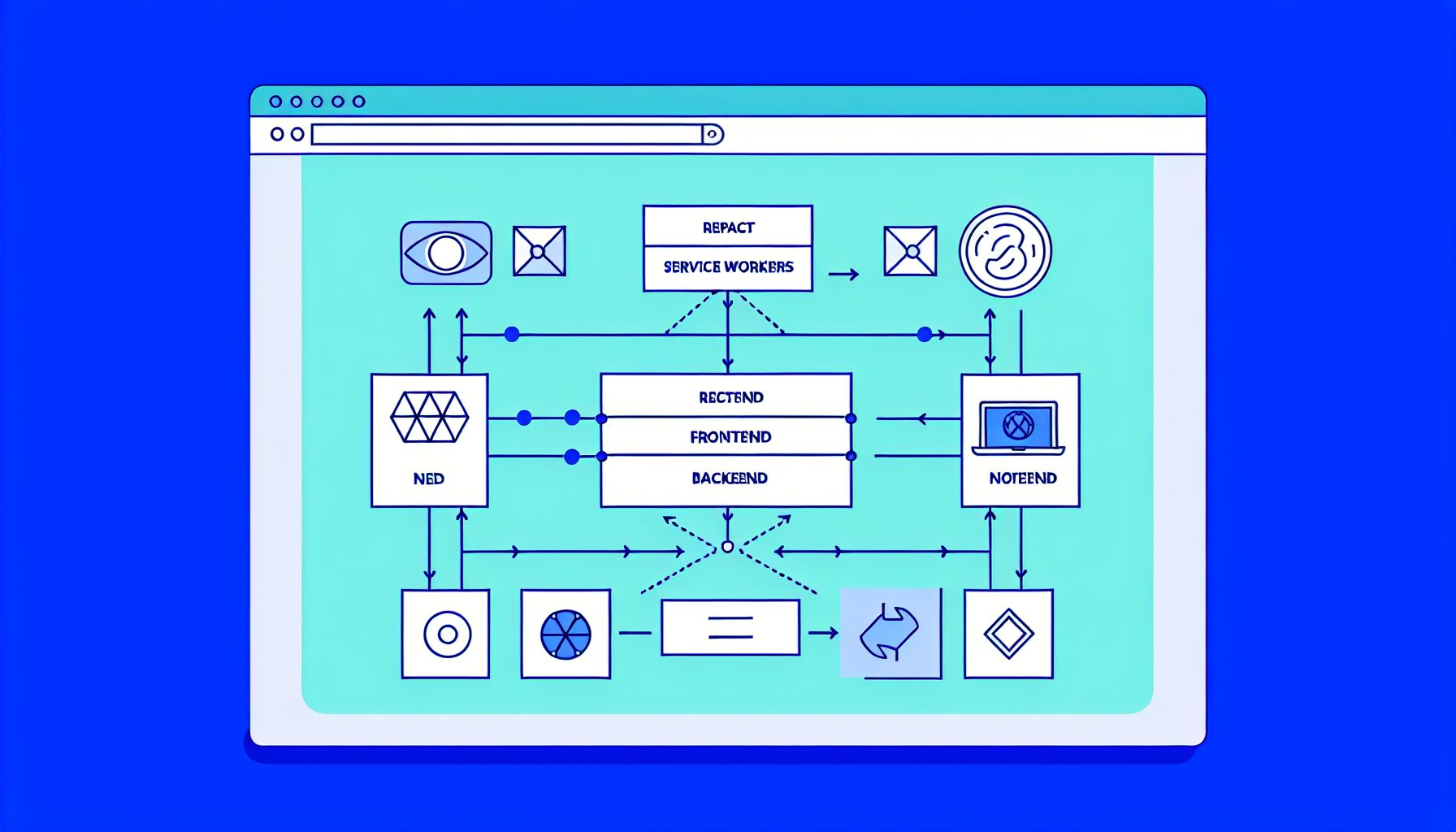
The architecture for building a PWA involves several layers: a React frontend that communicates with a Node backend through RESTful or GraphQL APIs. Below is the detailed breakdown of each component:
- Frontend: React
- React offers a component-based architecture, simplifying the creation of reusable UIs.
- Utilizing hooks and context APIs effectively manages state.
- Ensuring your app is responsive is essential; libraries like styled-components can facilitate this.
- Backend: Node.js
- Node.js enables scalable server-side application development. Using Express, you can create a robust API that interacts efficiently with the React frontend.
- API Design
- A well-structured RESTful API is essential. Use proper HTTP methods and status codes, and ensure intuitive endpoint naming for easier integration.
- Offline-First Functionality
- Implement service workers to manage caching strategies.
- Utilizing Workbox simplifies the setup of caching and offline capabilities, helping ensure optimal performance and data freshness.
- Deployment and Hosting
- Consider platforms like Vercel or Netlify for the frontend and Heroku or DigitalOcean for your Node.js backend to streamline the deployment process.
As you implement these strategies, you may find it beneficial to outsource your development to experts like MySushiCode, ensuring that each layer of your application is built to the highest standards.
Concrete Example / Case Study
Let’s consider a real-world scenario of building a PWA for an online food ordering service. The goal is to create a fast, engaging application that users can access even when offline.
In this project, the React frontend allows users to browse menus, place orders, and track delivery statuses. The Node.js backend manages user authentication and order processing. By utilizing Redux for state management, the application maintains a smooth user experience, effectively managing real-time data updates.
To enable offline functionality, the team implemented a service worker that caches essential resources and user data, allowing customers to browse menus and generate orders, even without an internet connection. Upon reconnection, the app synchronizes any changes automatically, ensuring users never lose their input.
This project highlighted the importance of efficient API design for rapid data retrieval and the necessity for a user-friendly interface that caters to both novice and experienced users. Ultimately, the solution exceeded user expectations for responsiveness and reliability.
How It Works
The architecture can be visualized in distinct layers, each part integral to the whole:
| Layer | Description | Technologies |
|---|---|---|
| Client-side | User interface rendering tasks and application logic management. | React, Redux, styled-components |
| Server-side | Data management, business logic, API endpoint handling. | Node.js, Express |
| Database | Persistent data storage and management. | MongoDB, PostgreSQL, or similar |
| Caching | Asset storage for offline access and quick loading. | Workbox, Service Workers |
FAQ
1. What are the key benefits of using React for building PWAs?
React provides a component-based architecture, making it easier to build maintainable and reusable UI components. It also supports advanced features like hooks for managing state and side effects, enabling a more dynamic user experience.
2. How do service workers enhance the user experience in a PWA?
Service workers act as a proxy between the network and the browser, enabling caching of assets and API responses. This allows the PWA to load quickly and function offline, significantly improving user experience, especially in low-connectivity situations.
3. What considerations should developers keep in mind for API design in a PWA?
For effective API design, ensure endpoints are RESTful and resource-oriented. Use standard HTTP methods and status codes, and keep payloads lightweight. Consistency and clarity in naming conventions will also make integration with the frontend easier.
Authority References
For further reading and authoritative insights, consider the following resources:
Conclusion
Architecting a Progressive Web App using React and Node requires careful planning and execution. By focusing on API design, leveraging service workers for offline capabilities, and maintaining a user-centric approach, developers can create applications that deliver exceptional performance and user satisfaction. With these strategies in hand, you’re well on your way to building a robust PWA that stands out in today’s competitive market.


Leave a Reply